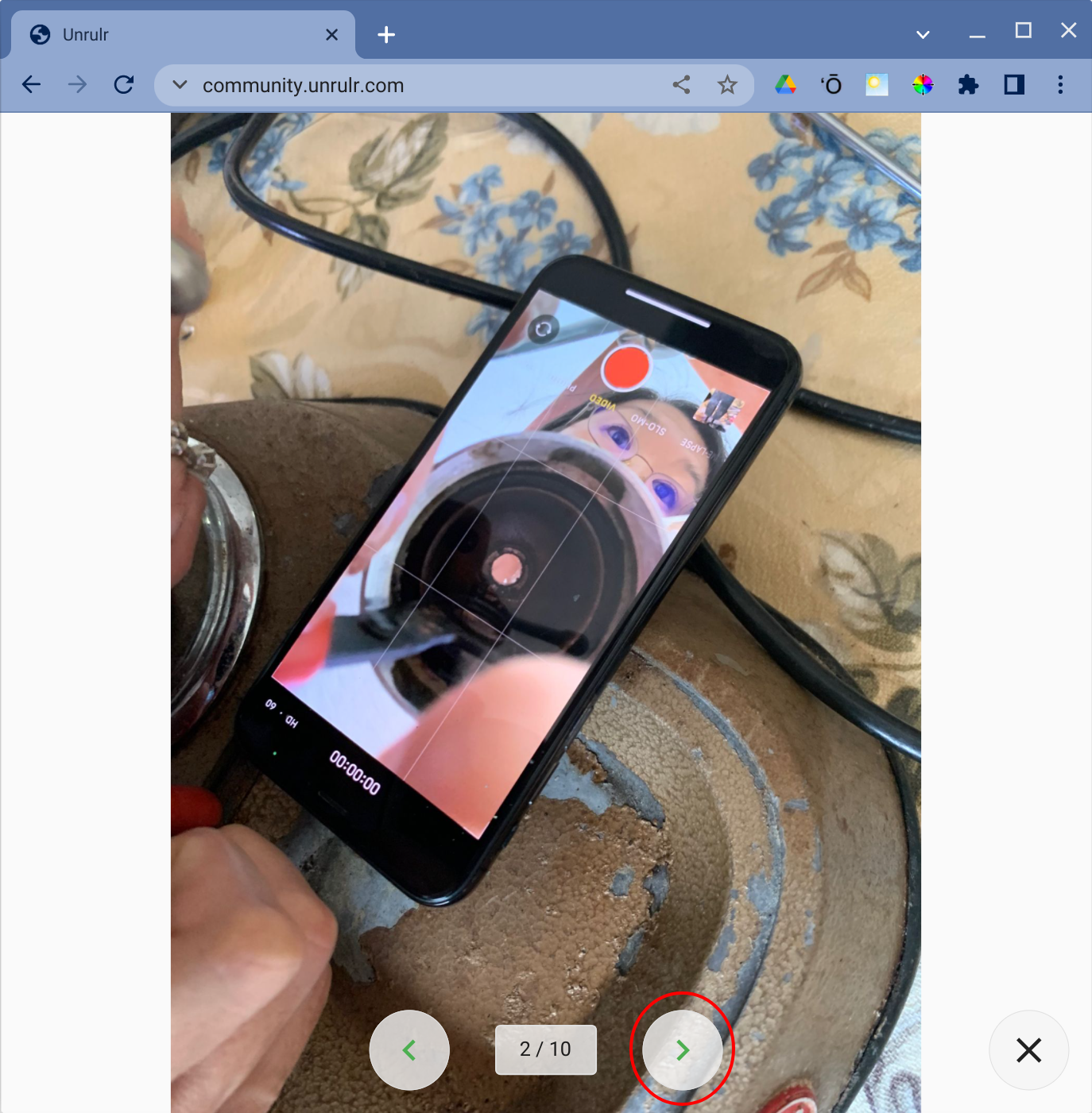
Unrulr includes a presentation mode that is useful for presenting images and videos in Unrulr on a projector or a Zoom or video conference meeting.
Presentation mode only works on the web version of Unrulr at https://community.unrulr.com. In addition, presentation mode only works on Journey posts (see What is a learning Journey?). All images and videos to be presented must be part of a Journey post.
How to enter presentation mode:
Sign into https://community.unrulr.com.
Find the Journey post you'd like to present.
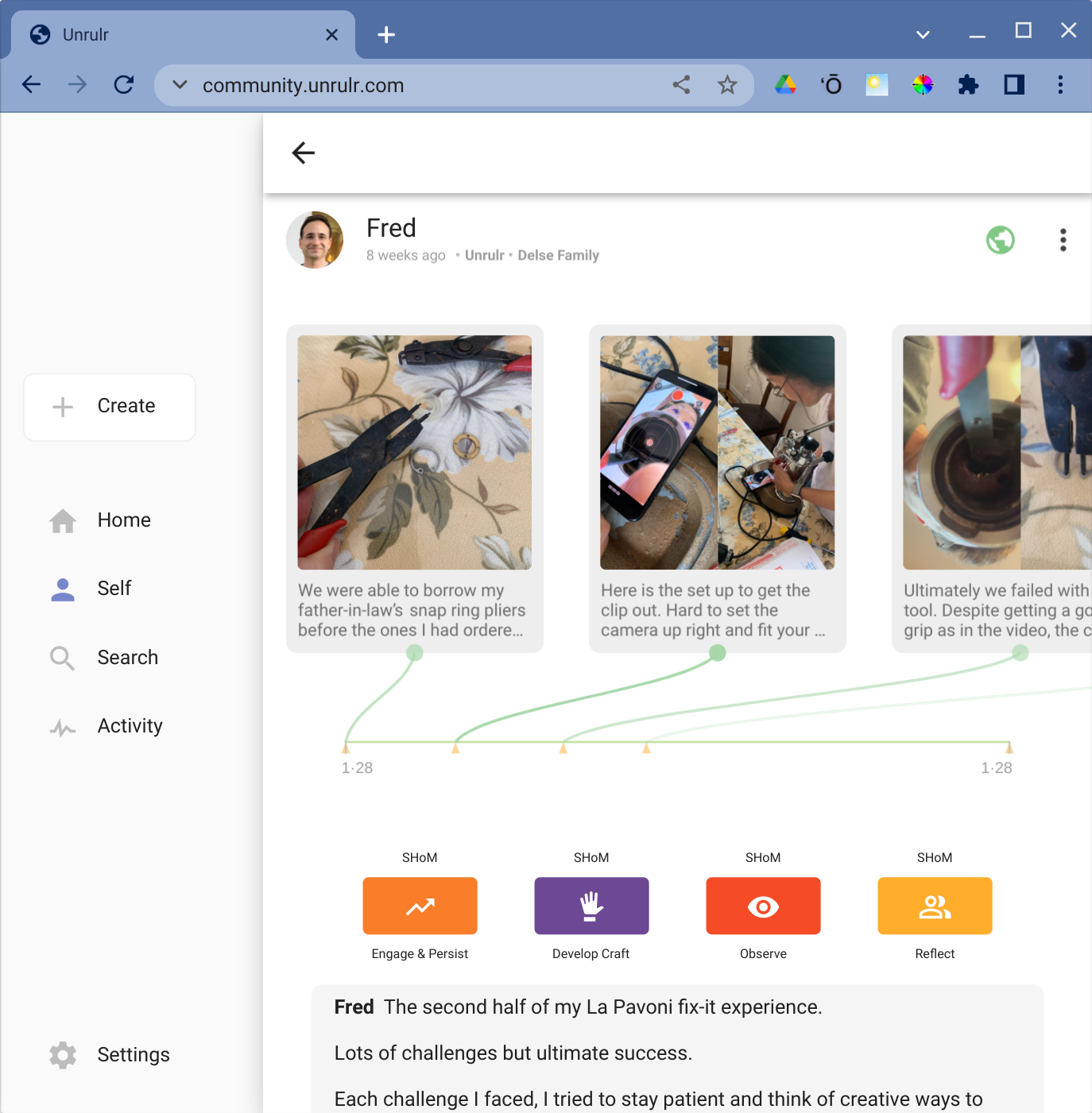
Click one of the images in the Journey post to enter the detailed view for the Journey.
Click on the image or video you'd like to start the presentation on.
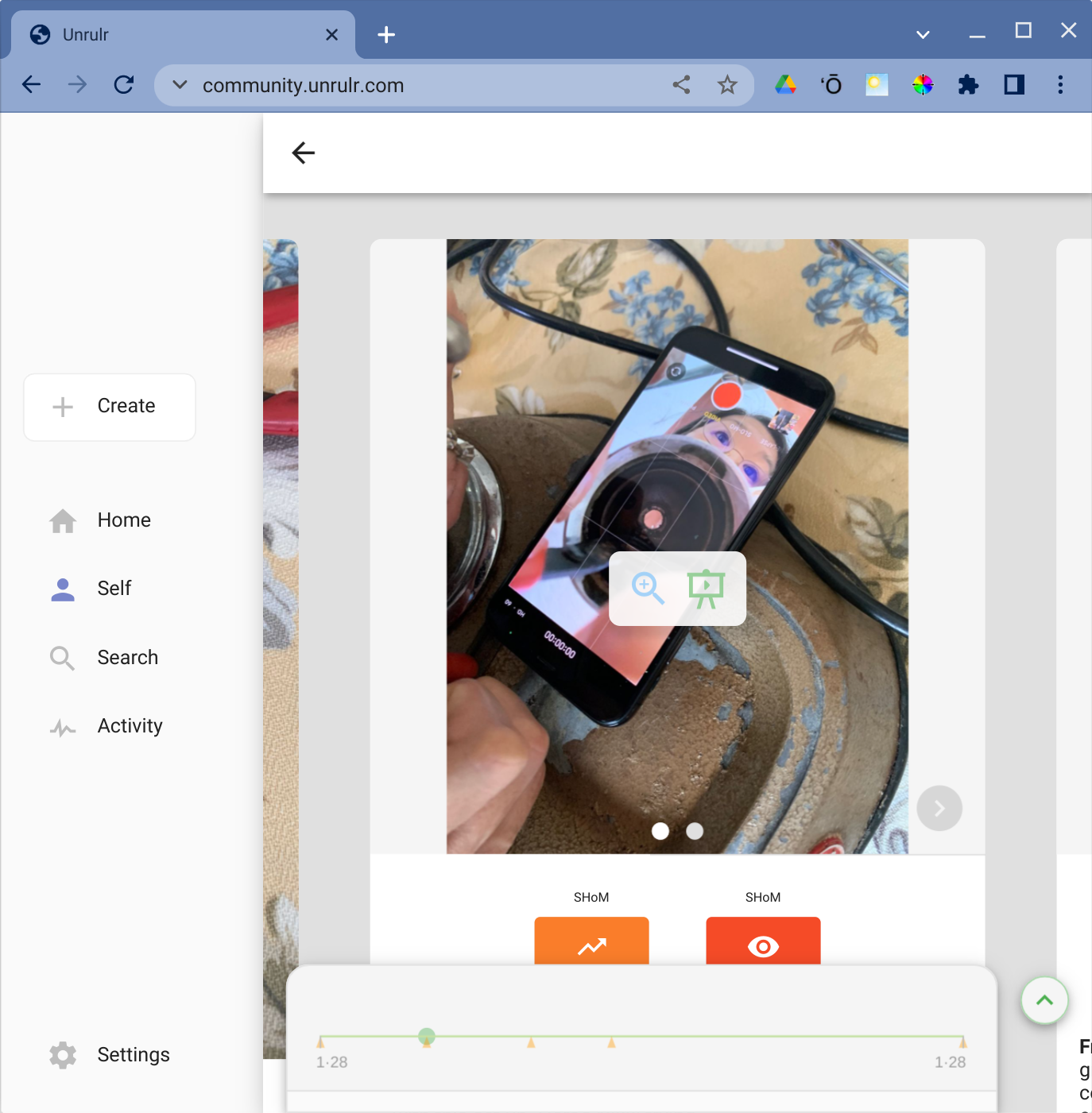
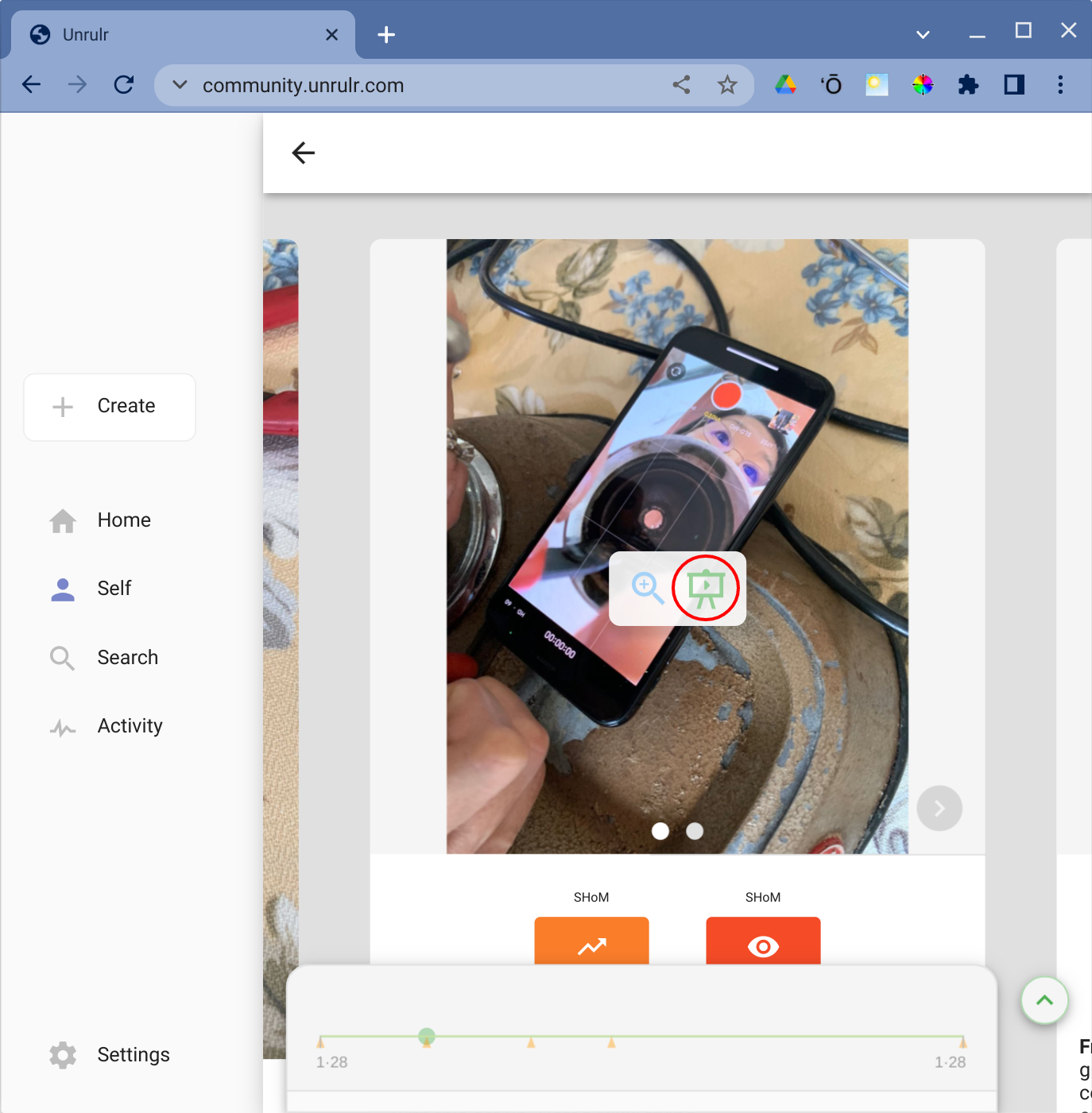
Click the green easel icon.
Presentation mode will start. Navigate your presentation by clicking the arrows at the bottom of the screen.