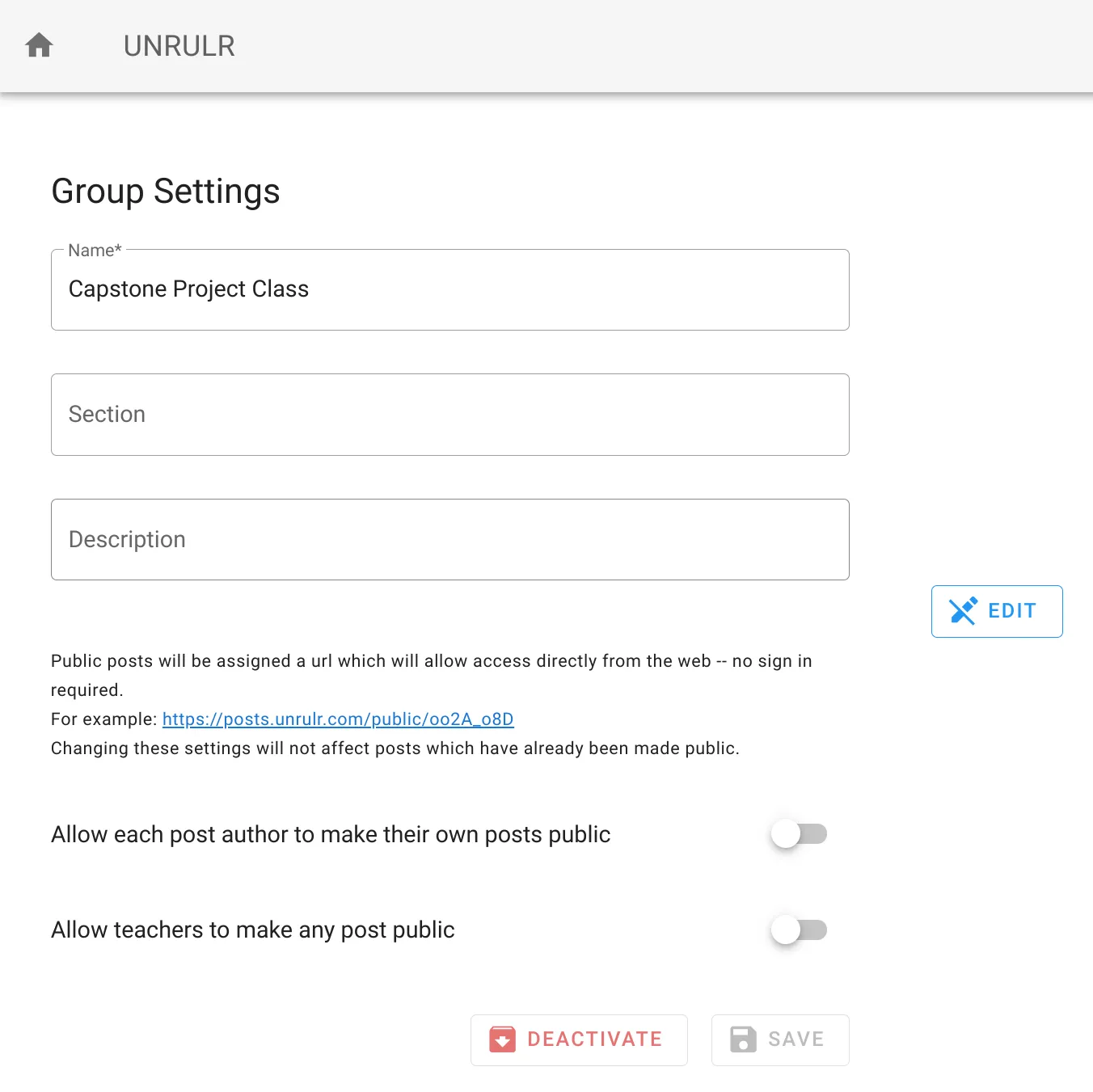
When you archive a group/class, it is no longer available for sharing. However, all posts shared with that class are still available to students and teachers.
Step 1. Sign into the Admin Dashboard
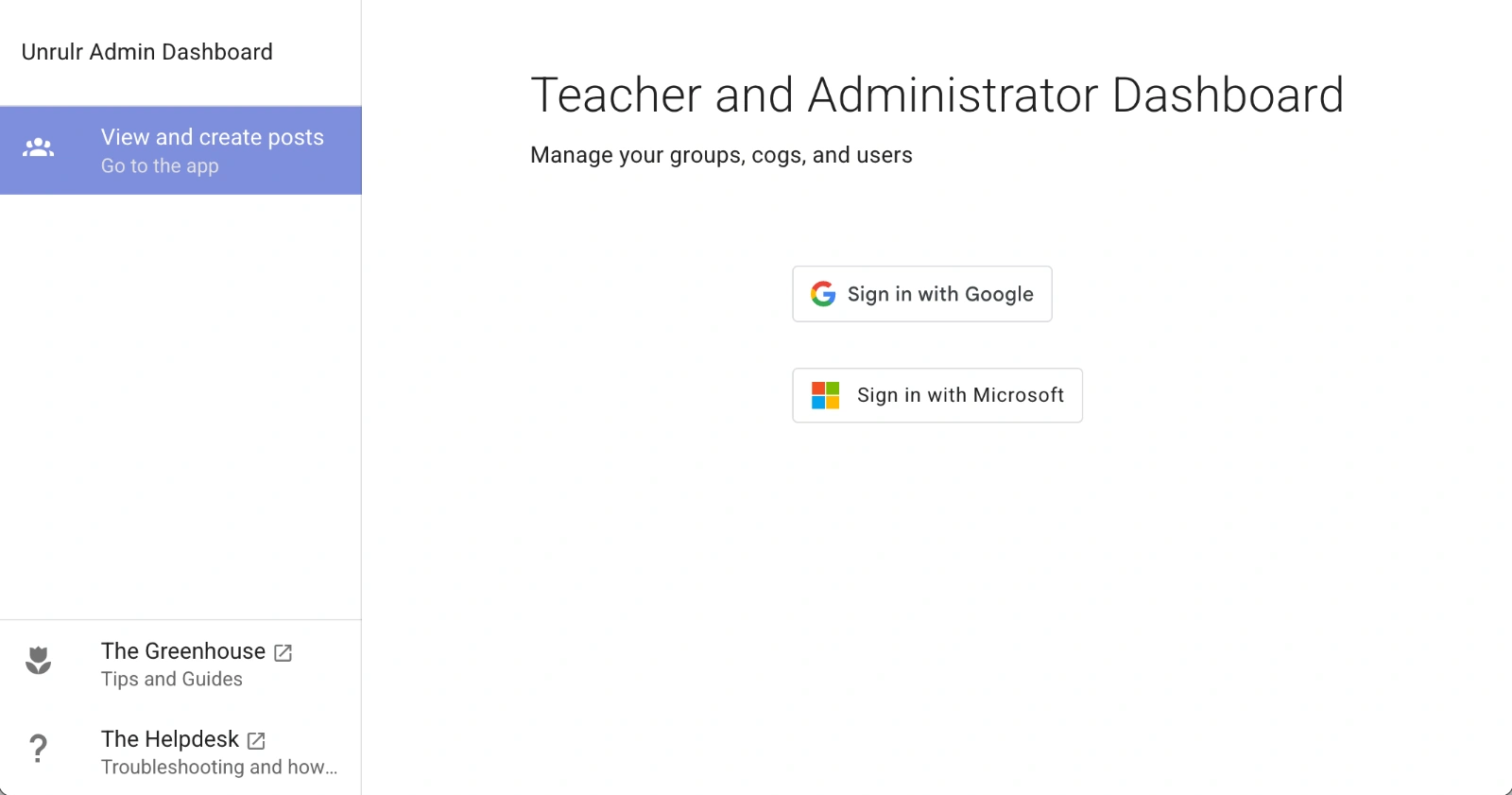
Using your browser, go to https://admin.unrulr.com/#/login
Click Sign in with Google or Sign in with Microsoft
Sign in with the account you're using with Unrulr.
This is usually your school account.
Step 2. Choose the class you'd like to archive
Find the class you'd like to archive in the list and click it.
Step 3. Archive the class
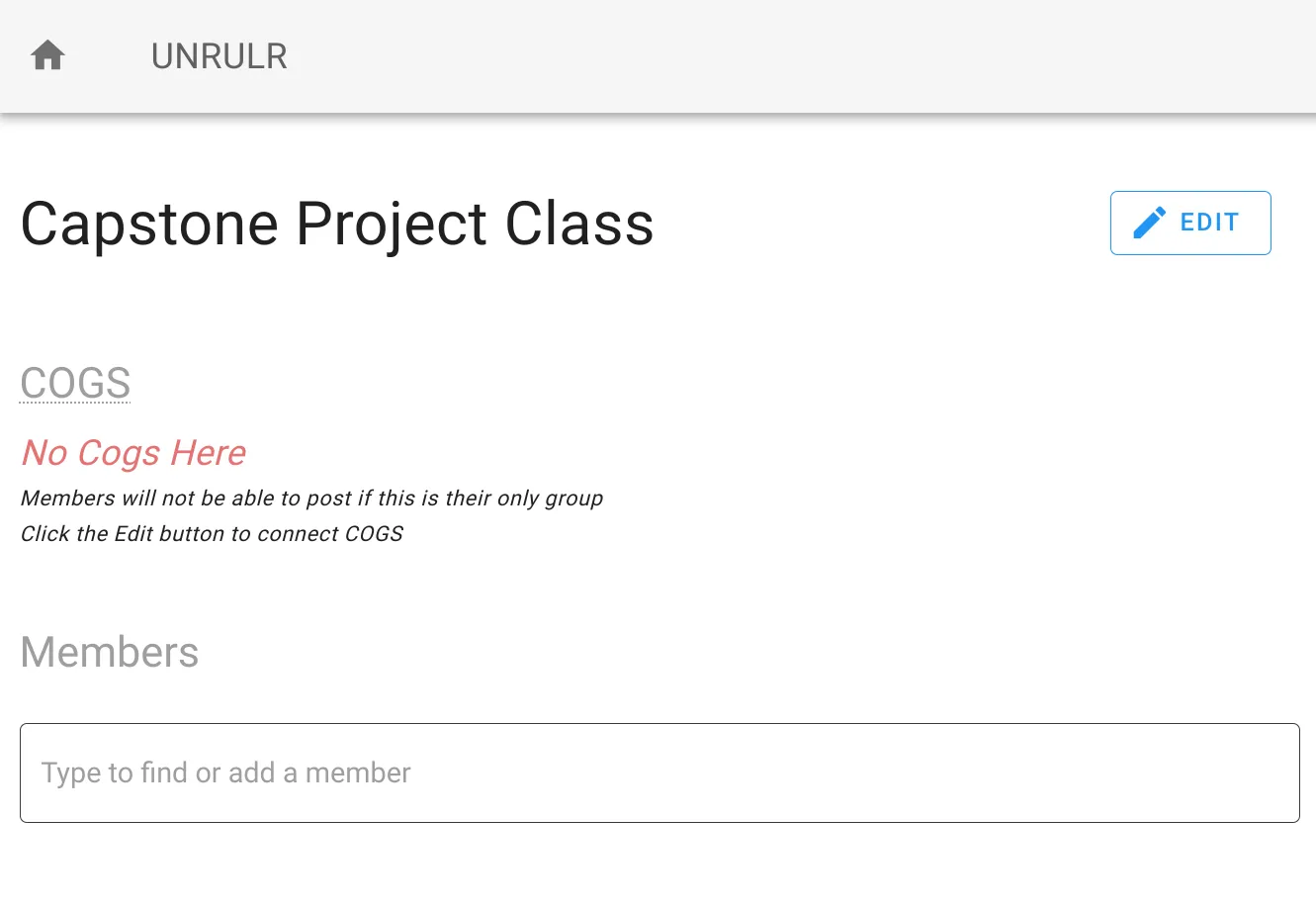
Click the EDIT button in the upper right.
2. Click the DEACTIVATE button at the bottom of Group Settings