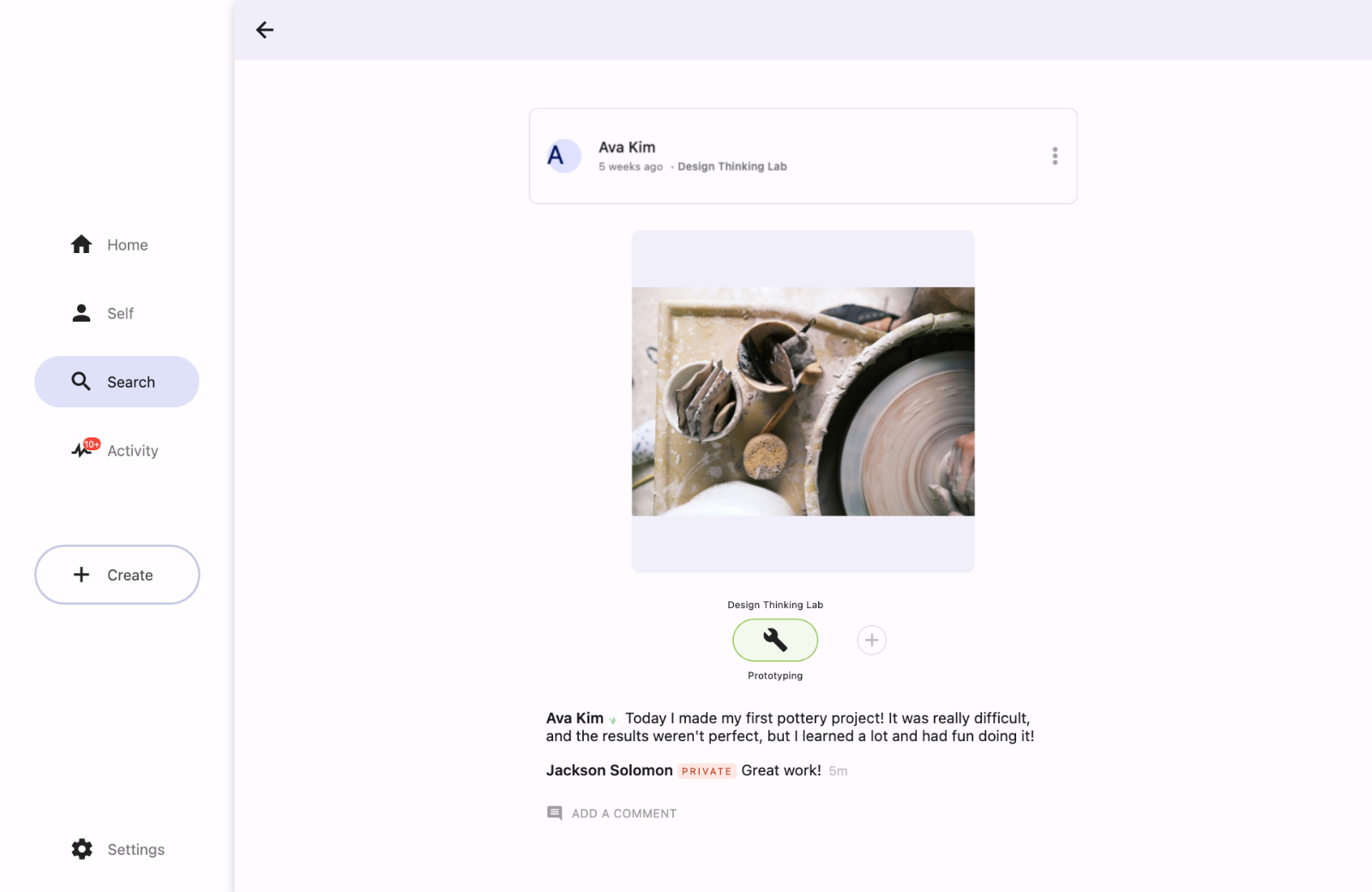
Private Comments allow educators to provide feedback or assessments directly to a student. To ensure a safe space for constructive critique, this feature is only available to teachers.
Who can see Private Comments?
Private comments are hidden from a student’s peers. They can only be seen by:
The creator of the post (the student).
Any teacher the post is shared with.
How to post a Private Comment
Navigate to the student post you wish to comment on.
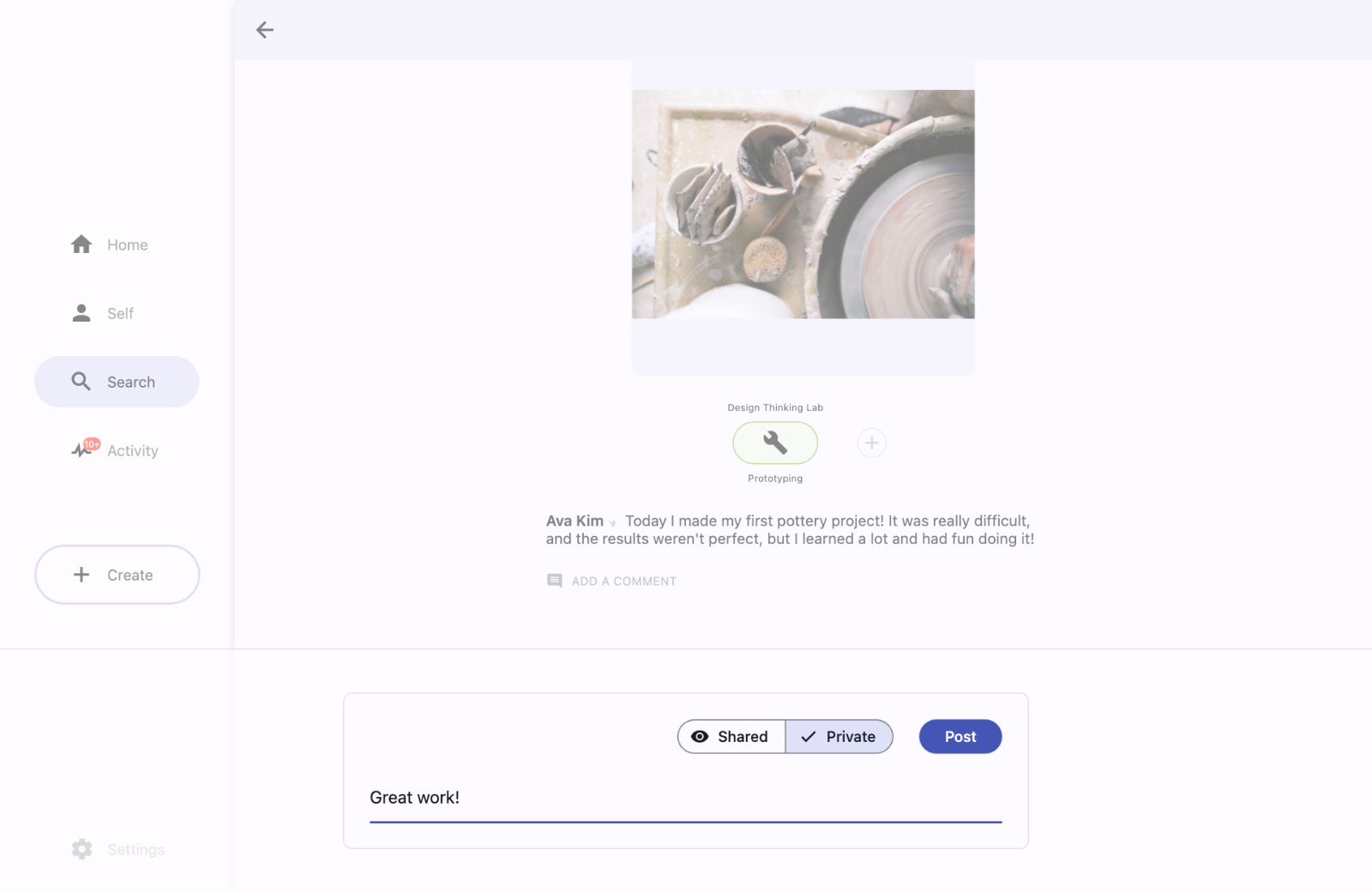
In the comment box, toggle the setting from Shared to Private.
Type your feedback and click Post.
Identifying Private Comments
Private comments are easily identifiable by a red "PRIVATE" tag next to the commenter's name, ensuring you can quickly distinguish between public class feedback and private evaluations.