
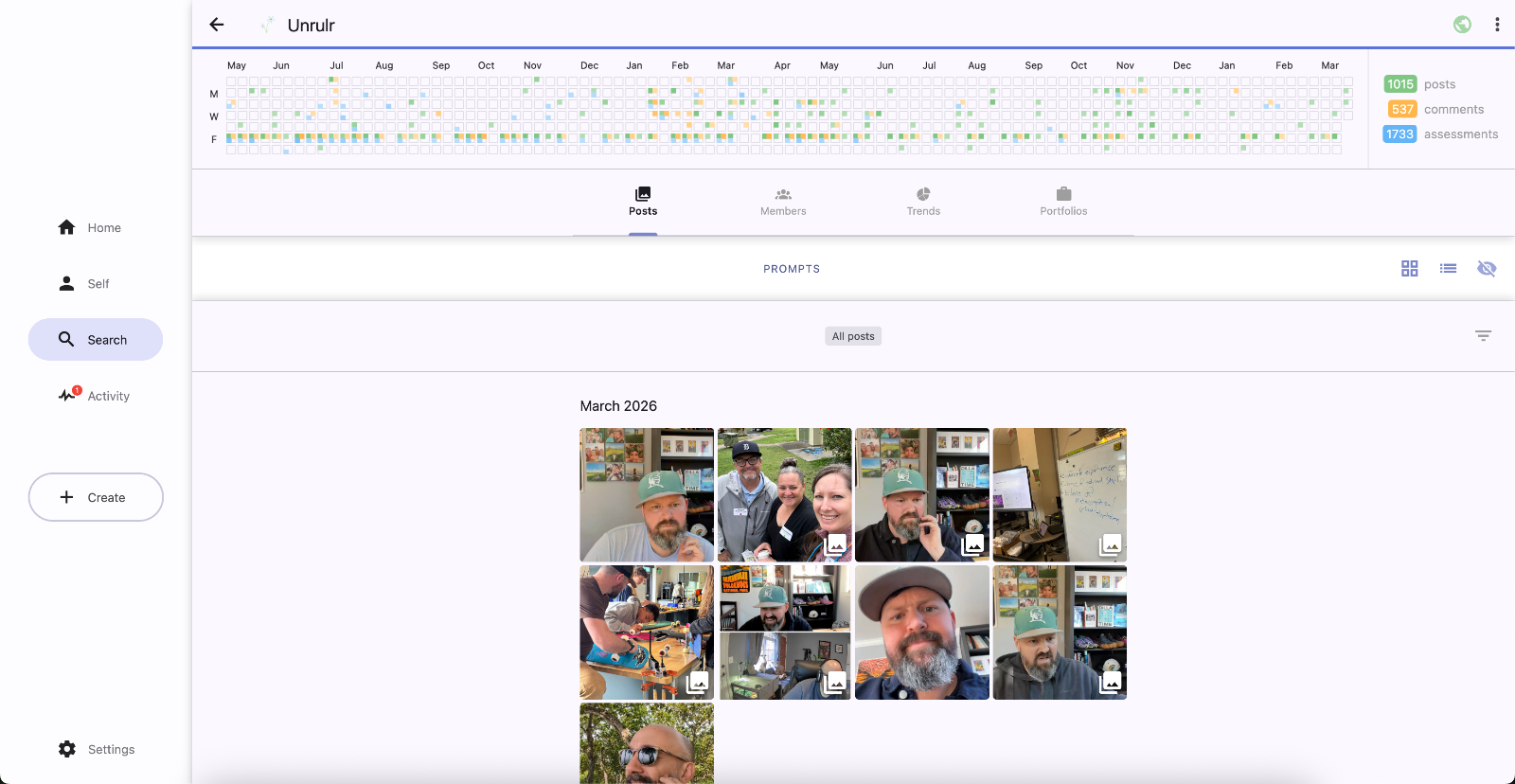
The Group/Class page includes:
all posts shared with the group.
a calendar of all activities in the group.
a list of the members of the group and activity calendars for each.
a summary of the COGS used and assessed on posts shared with the groups.
To navigate to a group page:
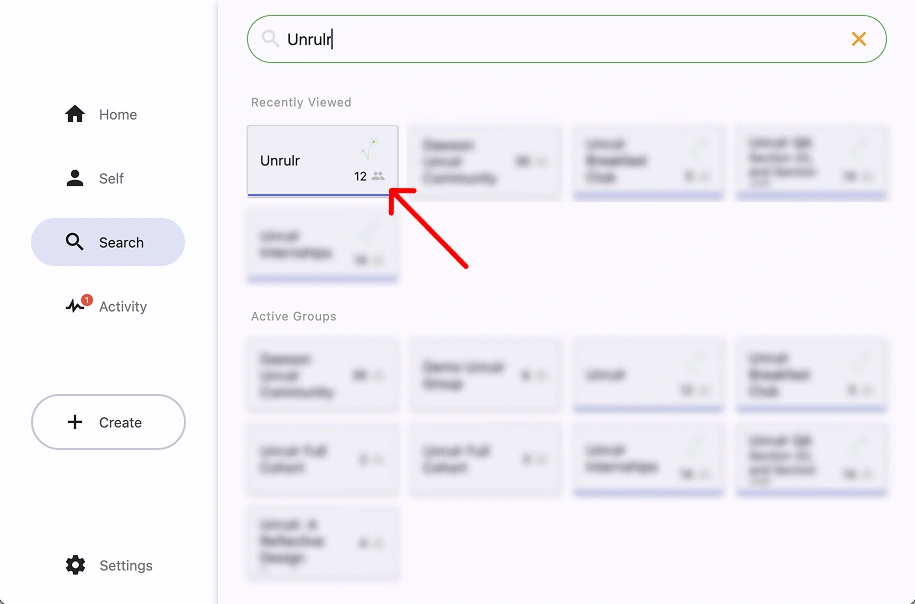
Tap/click on the Search (magnifying glass) icon.
Enter the Group name in the box.
Select the Group.
You can also navigate to the group page by tapping/clicking the group name in the header of any posts shared with the group.