
To get a report of recent activity for a student, navigate to the profile page of the student.
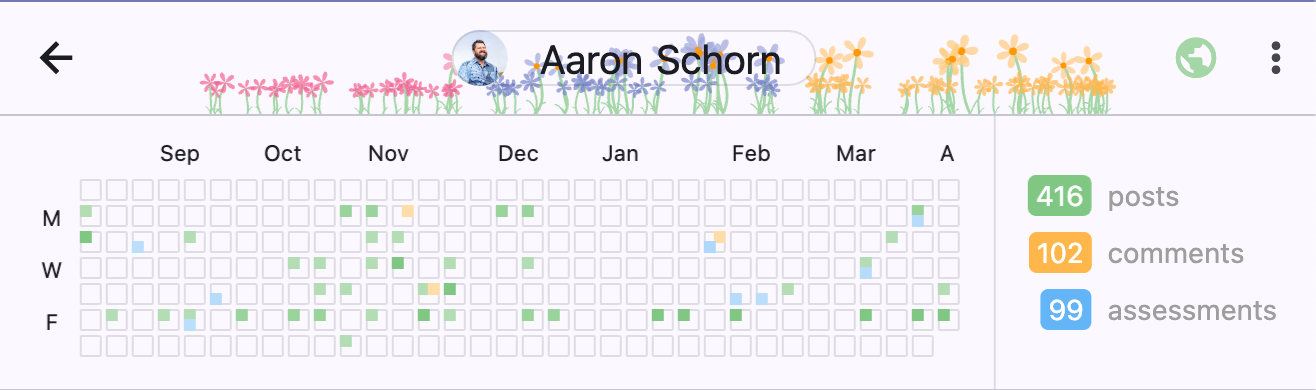
A calendar is displayed representing when posts, comments, and assessments have been made by this student:
The most recent months are shown across the top of the calendar.
The days of the week (M, W, F) are represented along the left of the calendar.
Each column represents a week. Each cell represents a day.
The colored dots in each cell represent how many posts, comments, or assessments were made by this student on that day.
The darker the color, the more of that activity type.
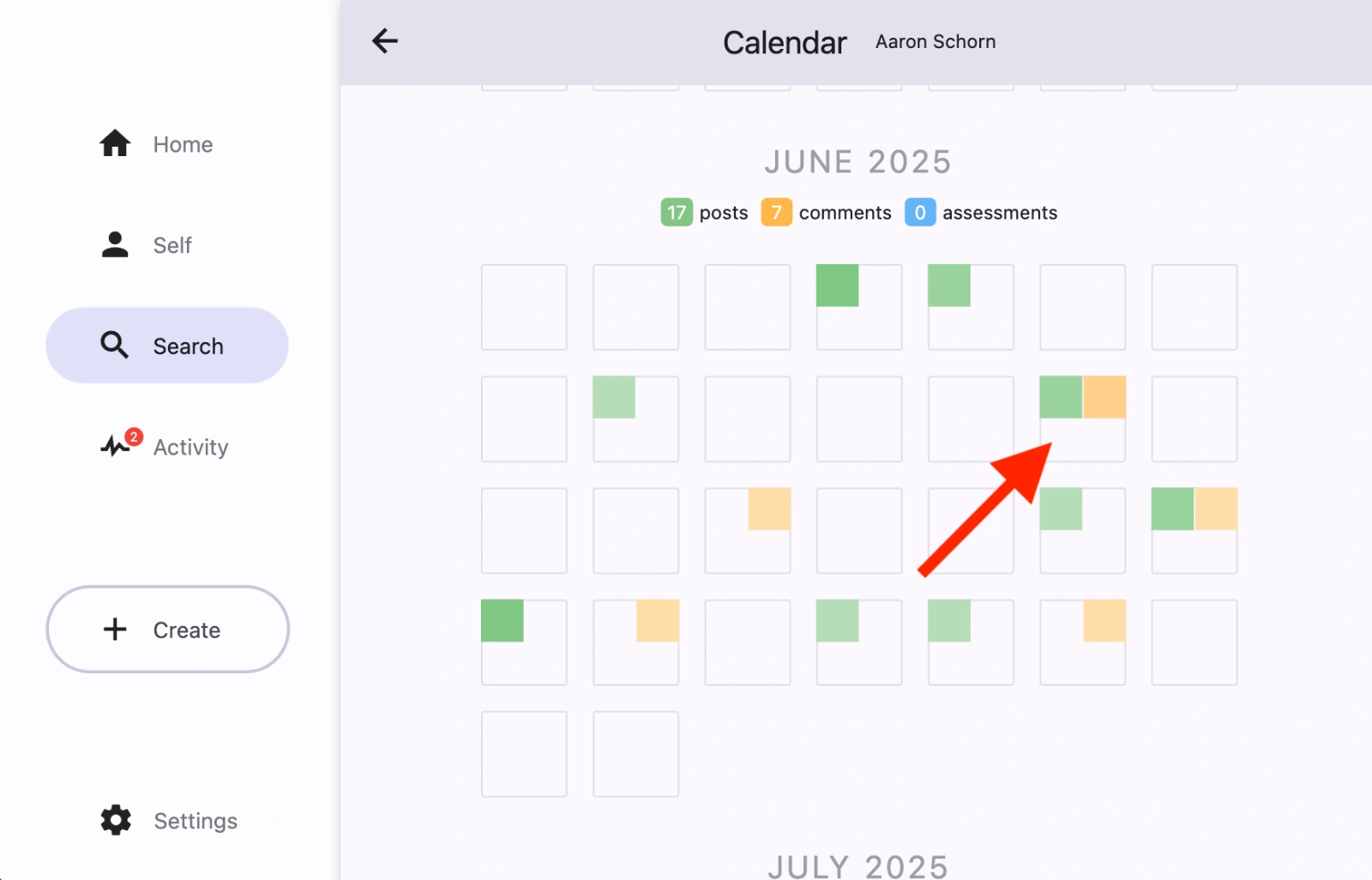
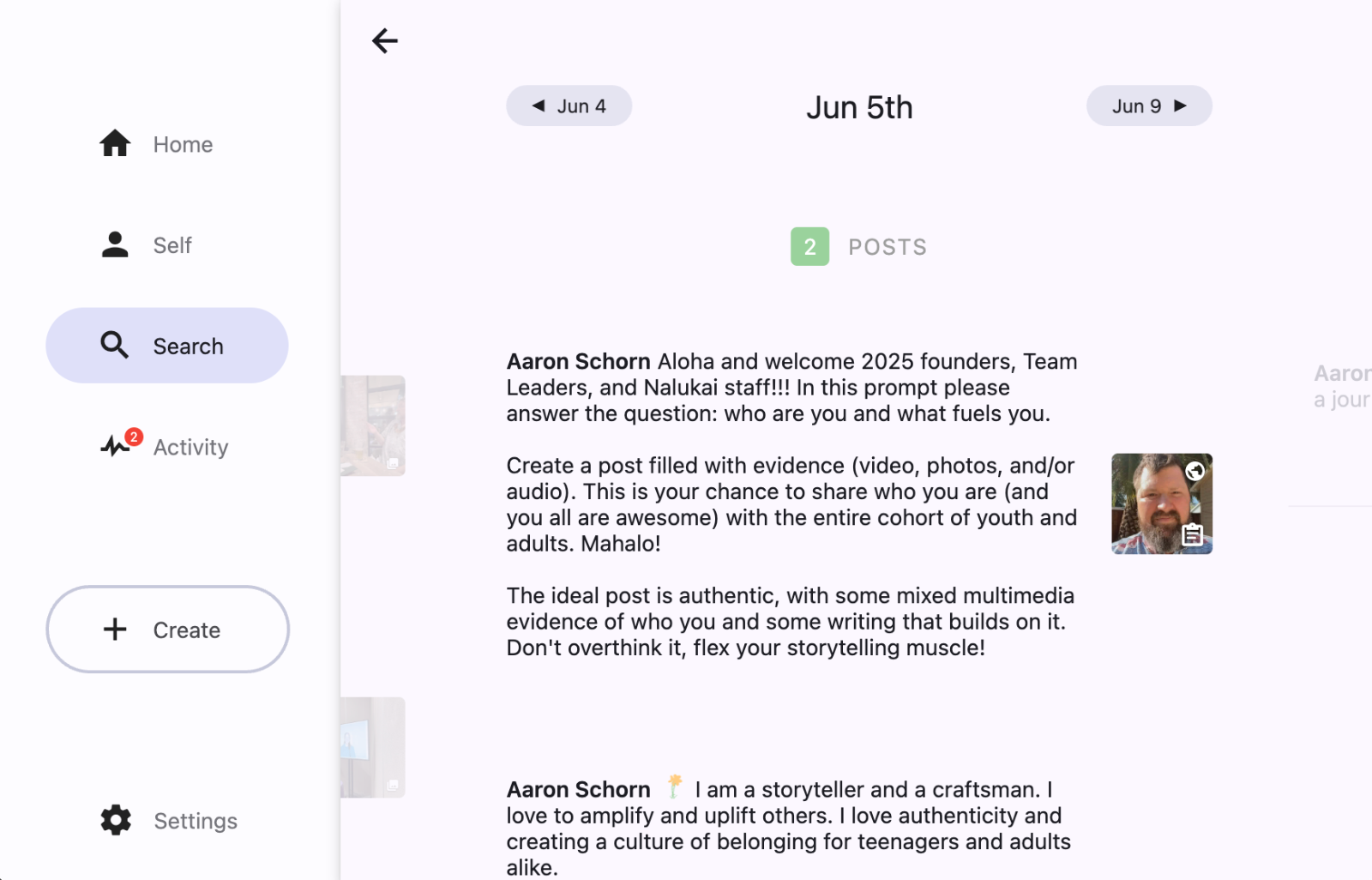
To get more details on the activity of a particular day, click the calendar to see a detailed view and select the day on the calendar.
Activity in a Particular Group
To see a student's activity in a particular group, see How do I review recent activity for a group?