
To download images or videos from Unrulr:
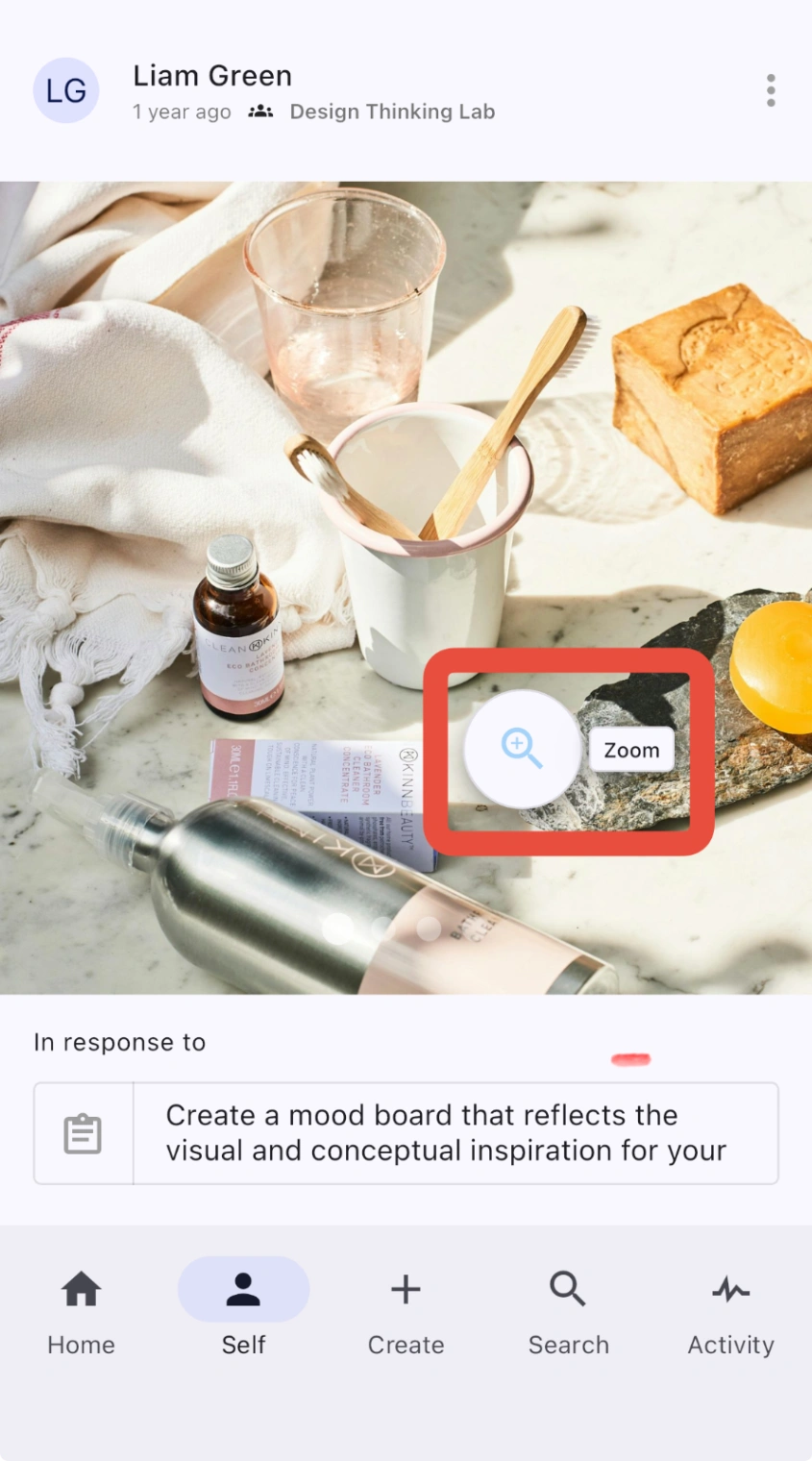
Tap or click the image or video you want to download and select the magnifying glass.
Tap or click the download icon at the bottom right corner of the page.
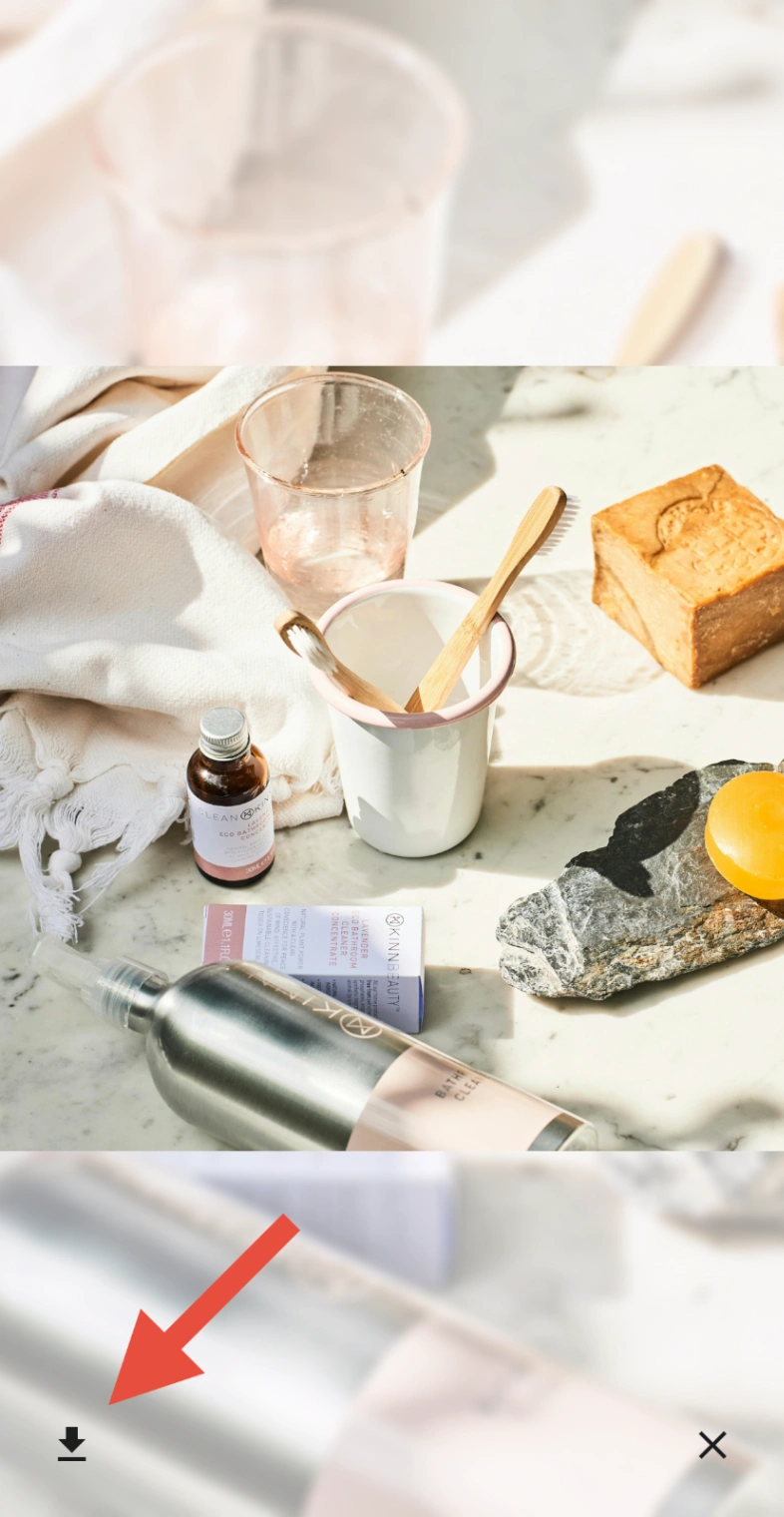
The image or video will download onto your device.
Note: You can also publish posts in Unrulr to get a link that is accessible on the web. To do so, see Publish Unrulr posts outside of Unrulr.
You can also present images and videos for a meeting or presentation directly from a post. See Present Directly out of Unrulr.
You can also present images and videos for a meeting or presentation directly from a post. See Present Directly out of Unrulr.