
You can access your portfolio templates from three places:
Self tab → Portfolios section
Group tab → Portfolios section
Create tab → Create a Portfolio
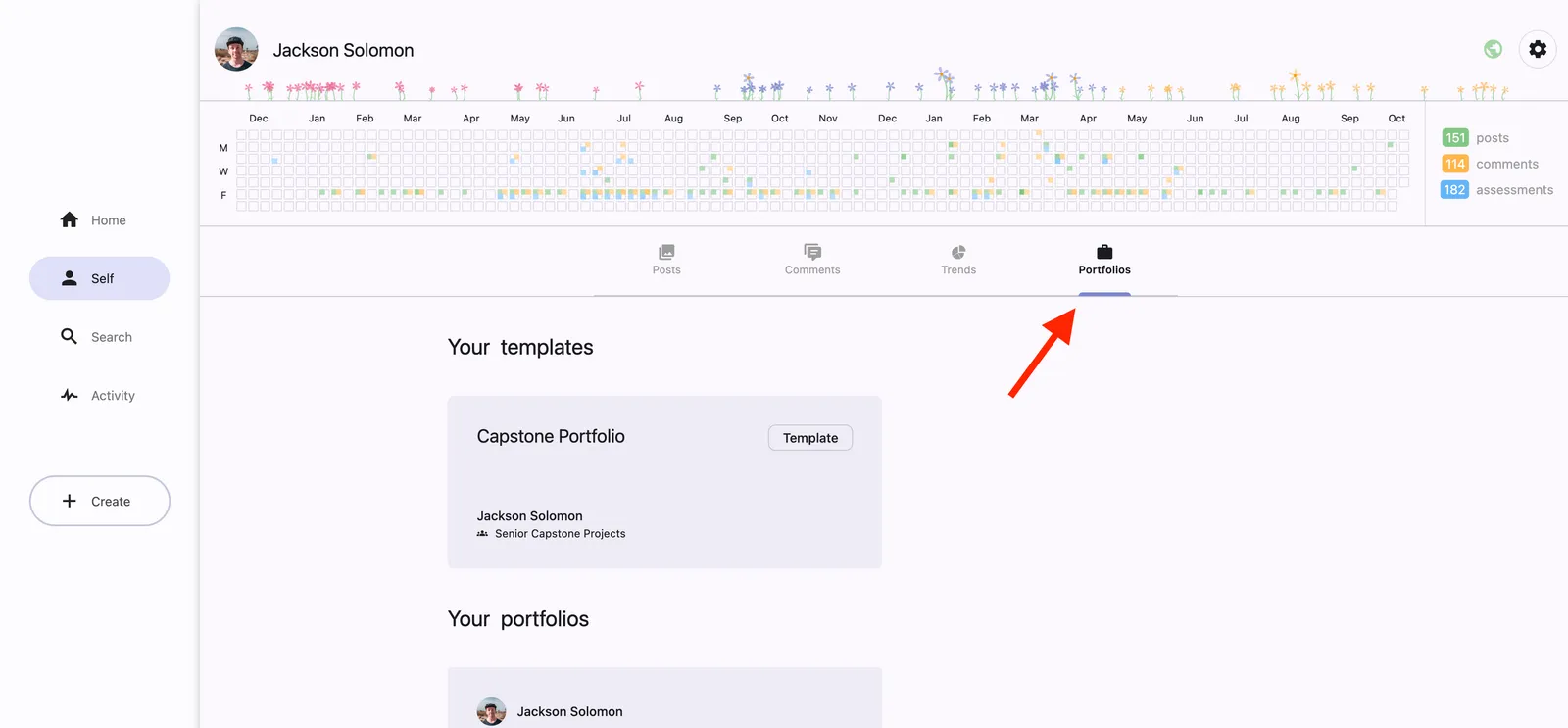
From the Self tab or Create tab, you can either continue editing an existing template or start a brand-new one.
From within a Group, you’ll only see templates that have been shared with that group (via the Sharing settings). Here, you can continue editing existing templates, but you can’t create new ones from scratch