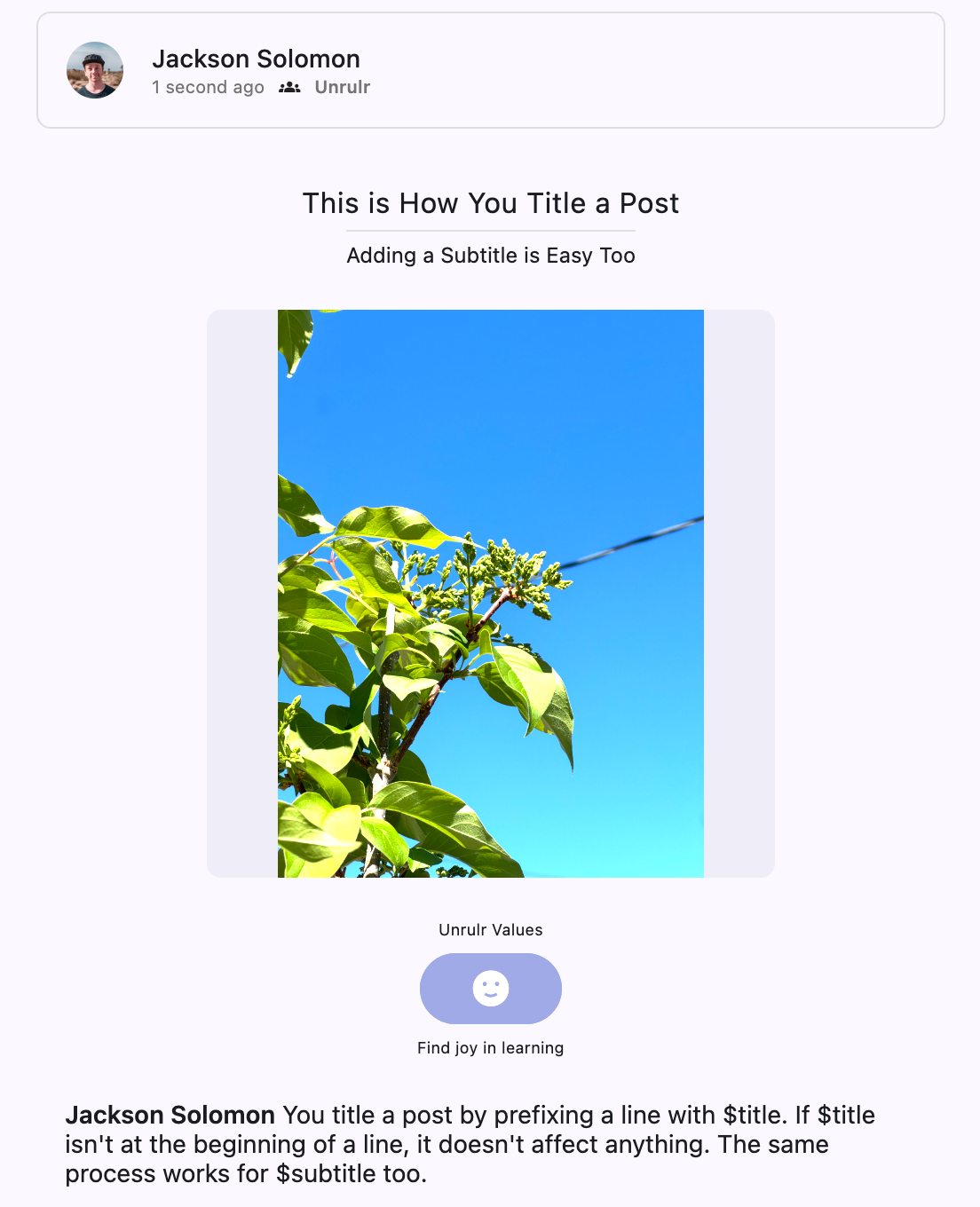
You can add a Title, or Subtitle, to a moment, journey, or prompt by editing the caption.
Add a title to a post:
Prefix any line in the caption with the text "$title".
Write your actual caption on a separate line.
For example, if I wanted a post with a title "This is How You Title a Post", I could write the caption:
$title This is How You Title a Post
You title a post by prefixing a line with $title. If $title isn't at the beginning of a line, it doesn't affect anything.
You title a post by prefixing a line with $title. If $title isn't at the beginning of a line, it doesn't affect anything.
This would turn into a post like the following:
Adding a Subtitle to a Post
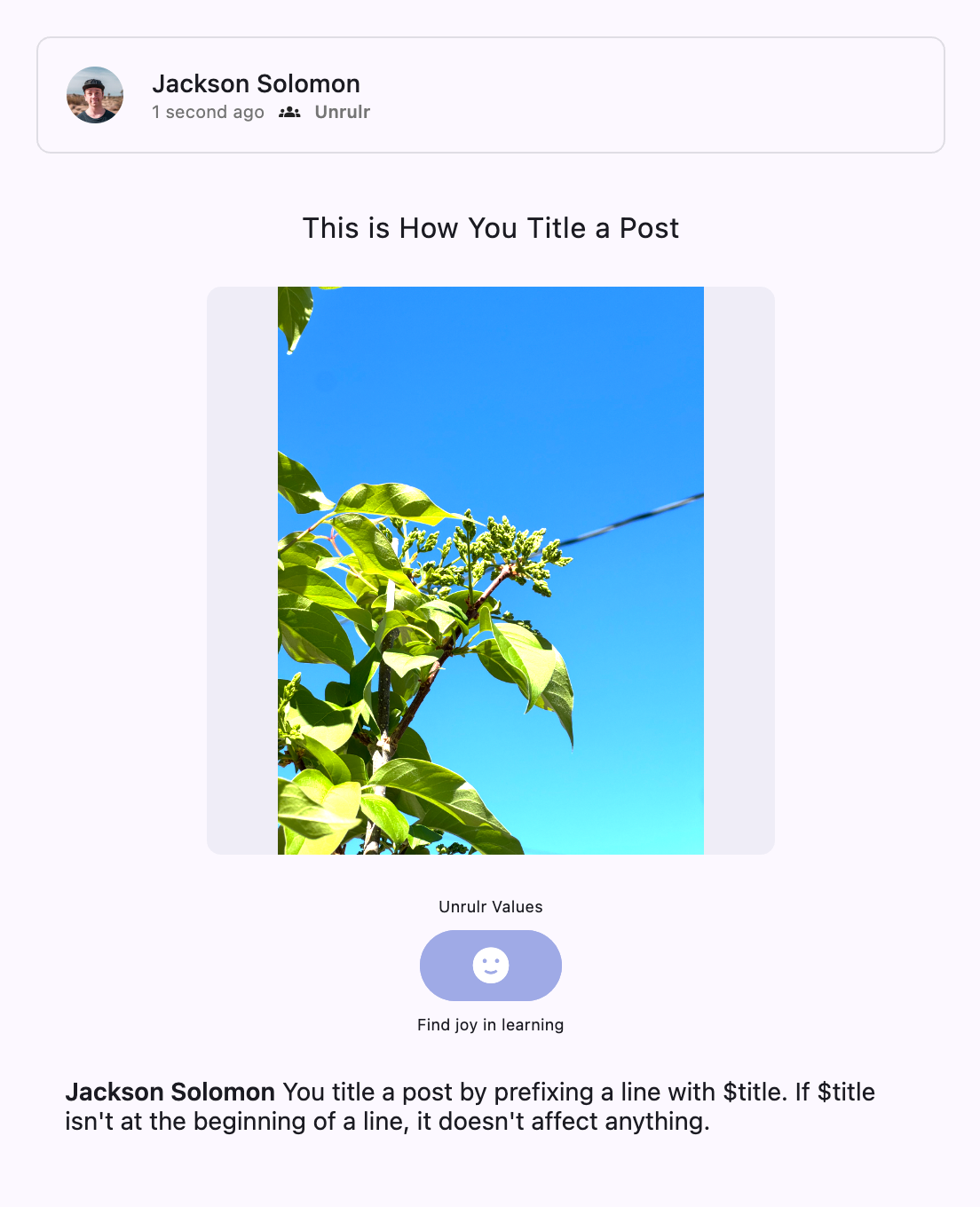
You can follow a similar process to add a subtitle to a post:
Prefix any line in the caption with the text "$subtitle".
Write your actual caption on a separate line.
For example, if I wanted a post with a title "This is How You Title a Post", I could write the caption:
$title This is How You Title a Post
$subtitle Adding a Subtitle is Easy Too
You title a post by prefixing a line with $title. If $title isn't at the beginning of a line, it doesn't affect anything. The same process works for $subtitle too.
$subtitle Adding a Subtitle is Easy Too
You title a post by prefixing a line with $title. If $title isn't at the beginning of a line, it doesn't affect anything. The same process works for $subtitle too.
This would turn into a post like the following: