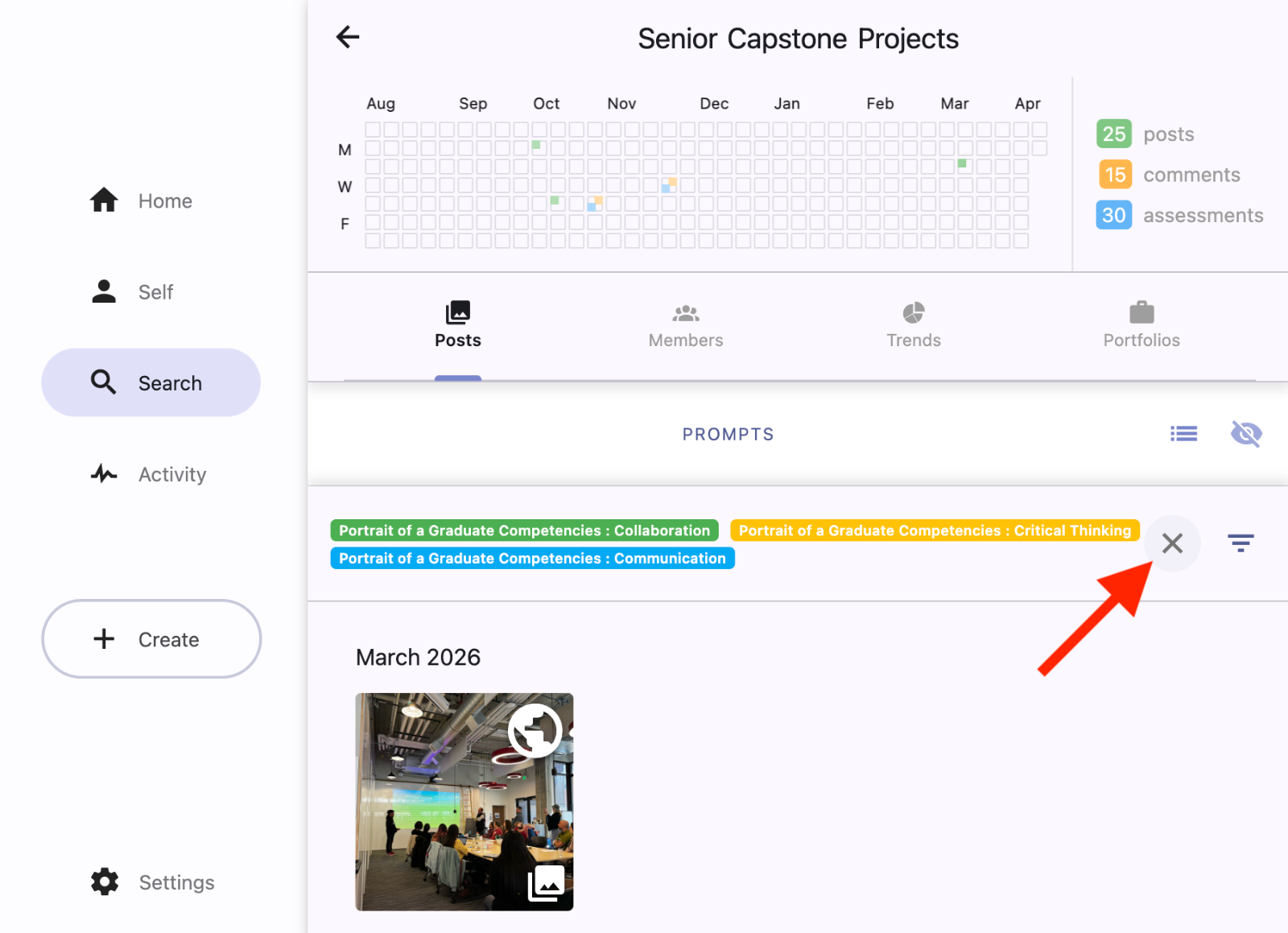
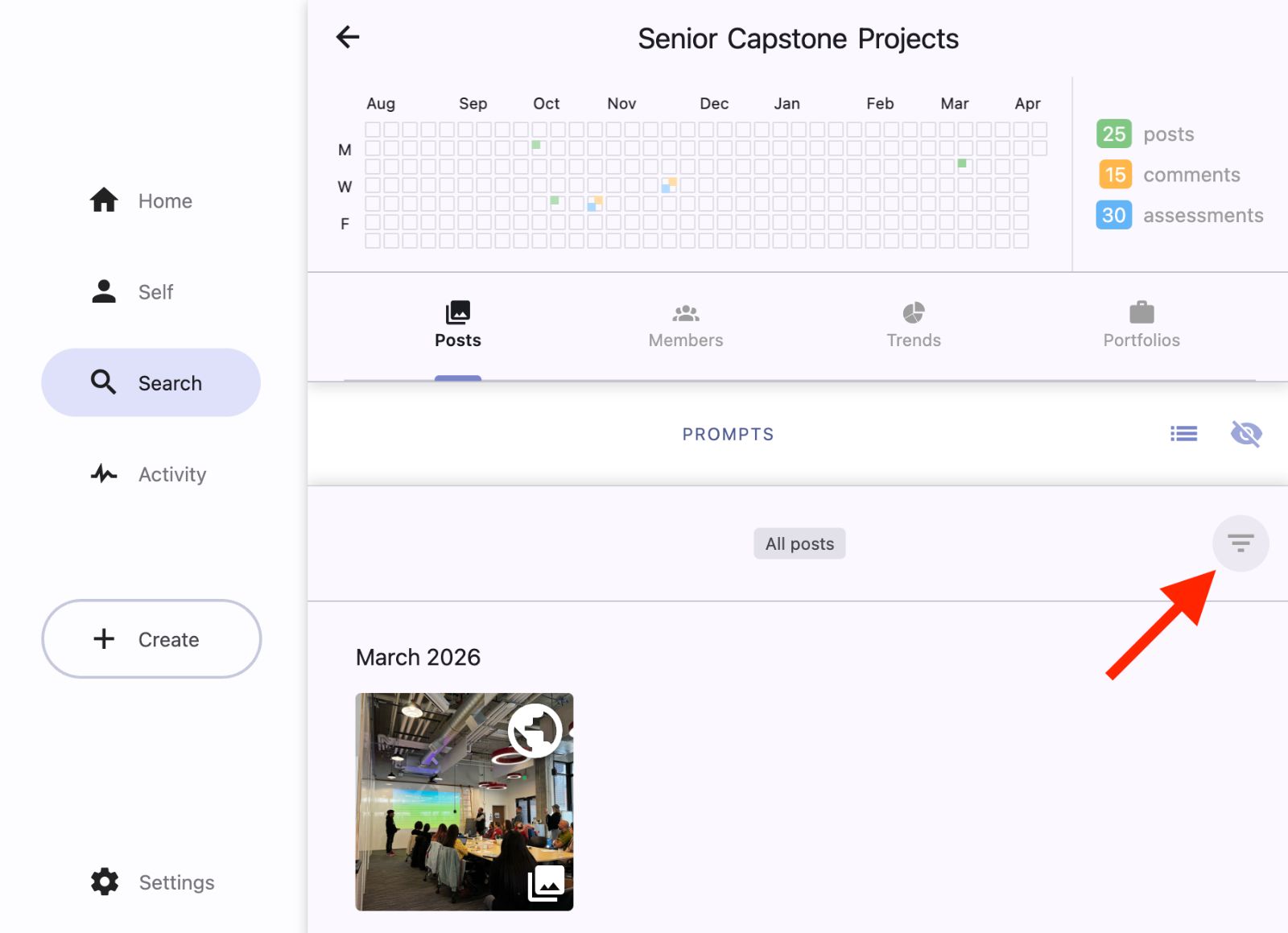
To filter posts by cog:
Tap the upside-down triangle in the upper right of a Feed (home feed, group feed, or user profile).
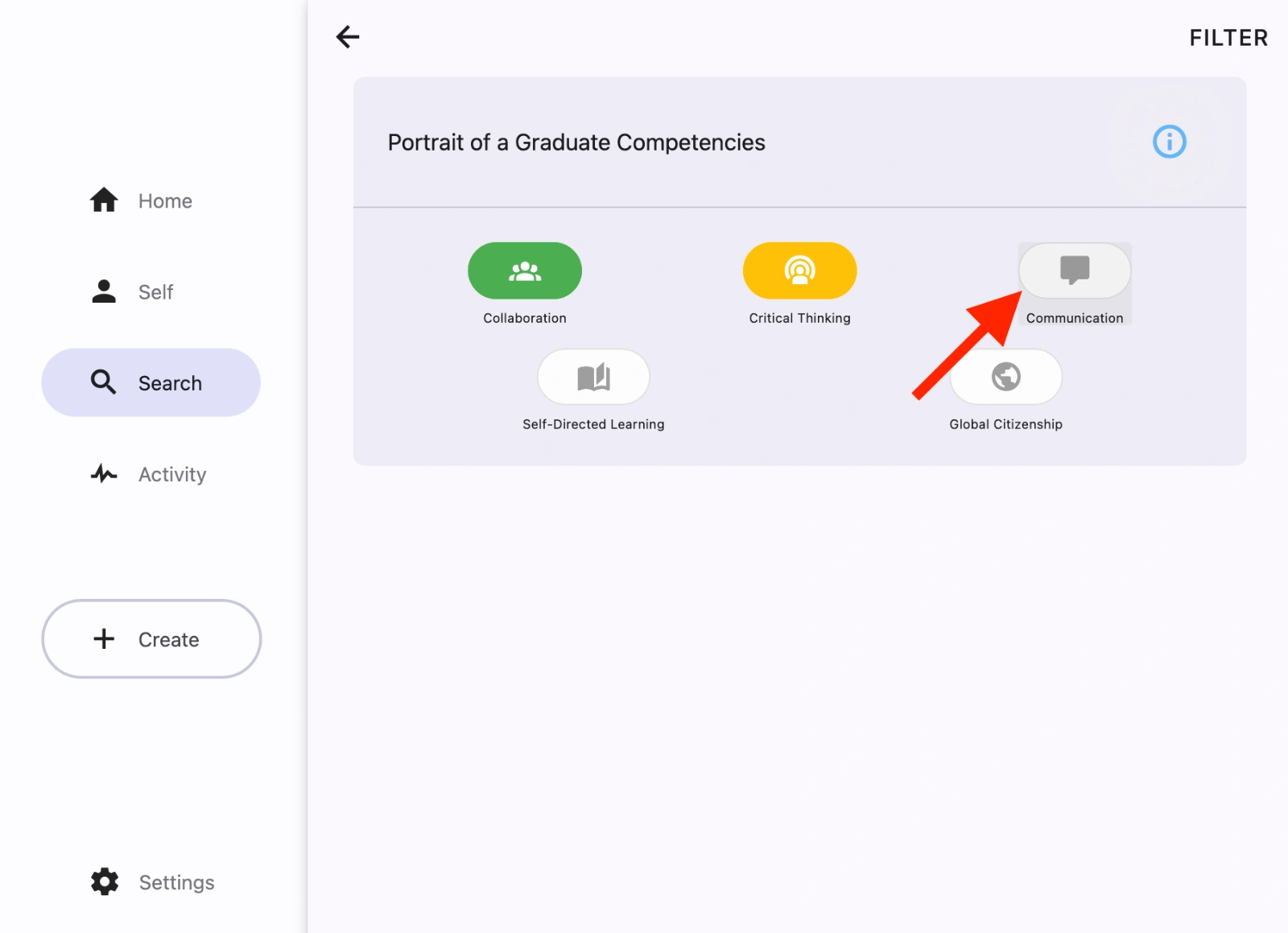
Select the COGS you'd like to filter for. If you choose more than one, posts with any of these cogs are displayed.
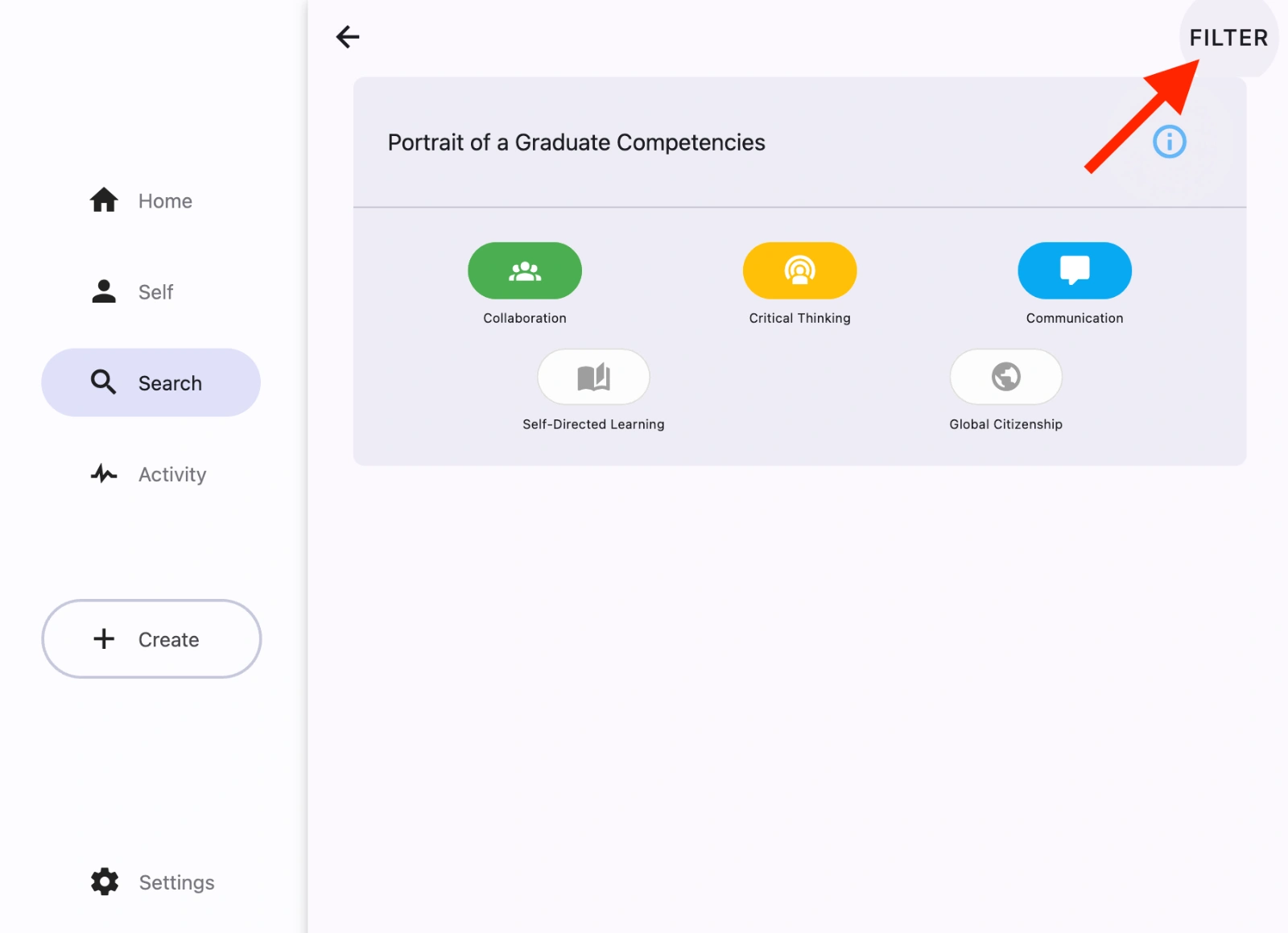
Tap Filter.
All posts in the feed will now be filtered by the selected COGS. You can verify by looking for the COGS filter indicators at the top of the feed.
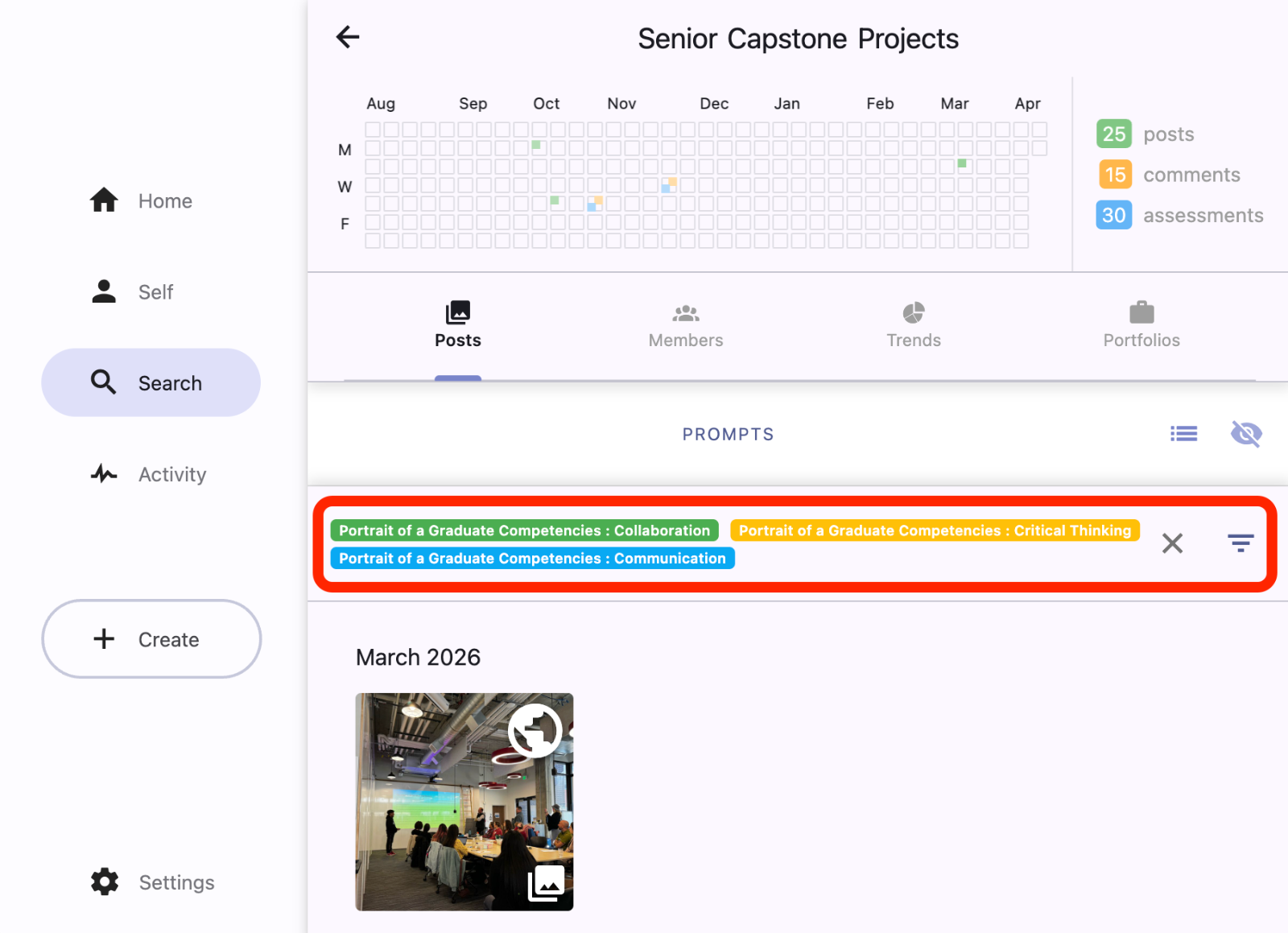
Clear the filters by clicking on the ‘X’ button next to the filter icon to show all posts.