
To contribute to another student's evidence of learning:
Begin creating a post by tapping on the Create tab. See How to Create a Post in Unrulr.
When prompted to enter a caption, tag the target student somewhere in the caption by typing the '@' sign followed by the student's name.
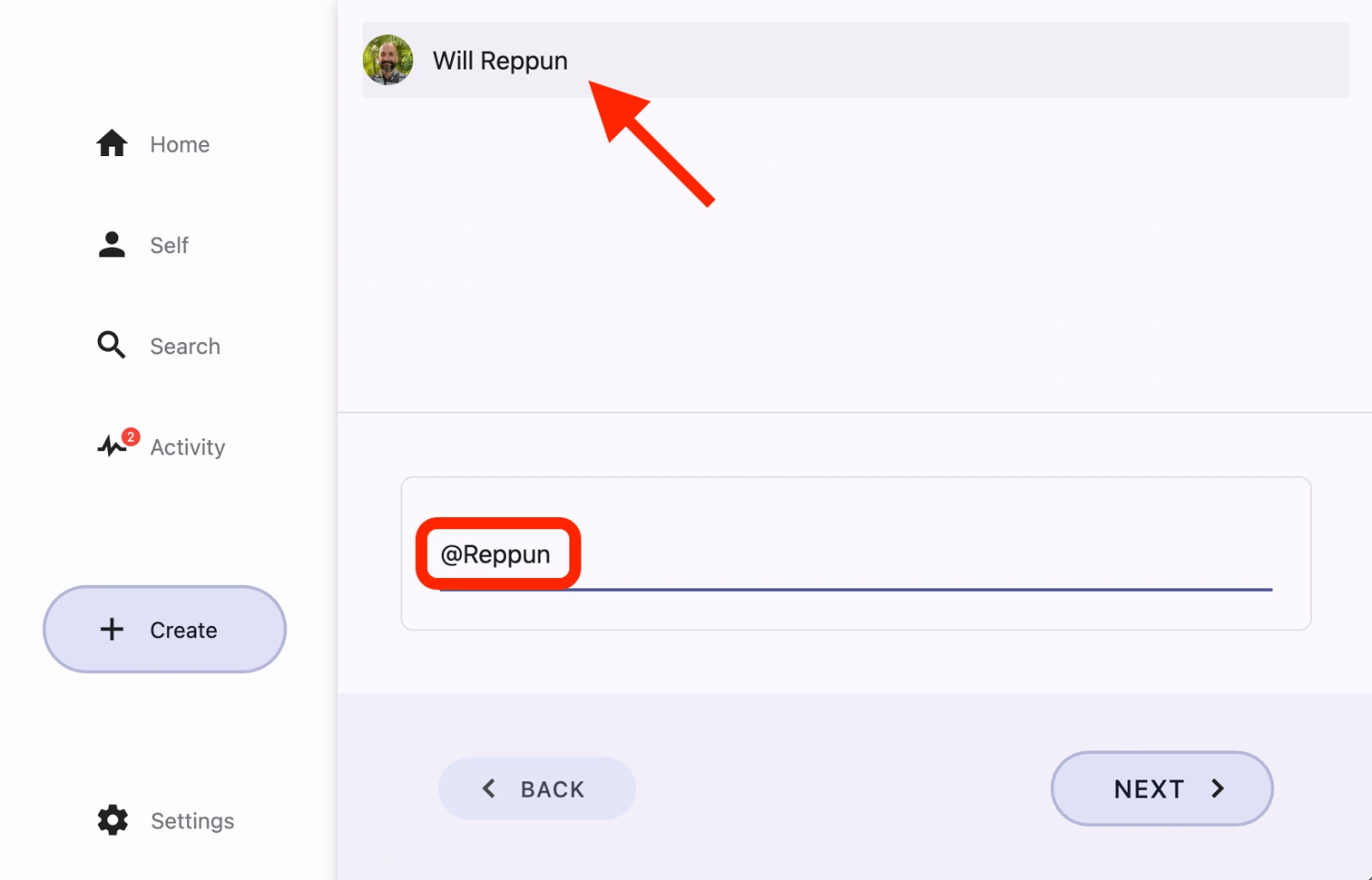
On the Groups sharing screen, select a group the tagged student is part of.
Complete the post.
The post will show up in the profile of the tagged student. It will become part of their evidence of learning and contribute to their progress on COGS.
What if I only observed another student’s learning?
If you want to only document for another student, but don’t want the post to contribute to your own progress on COGS:
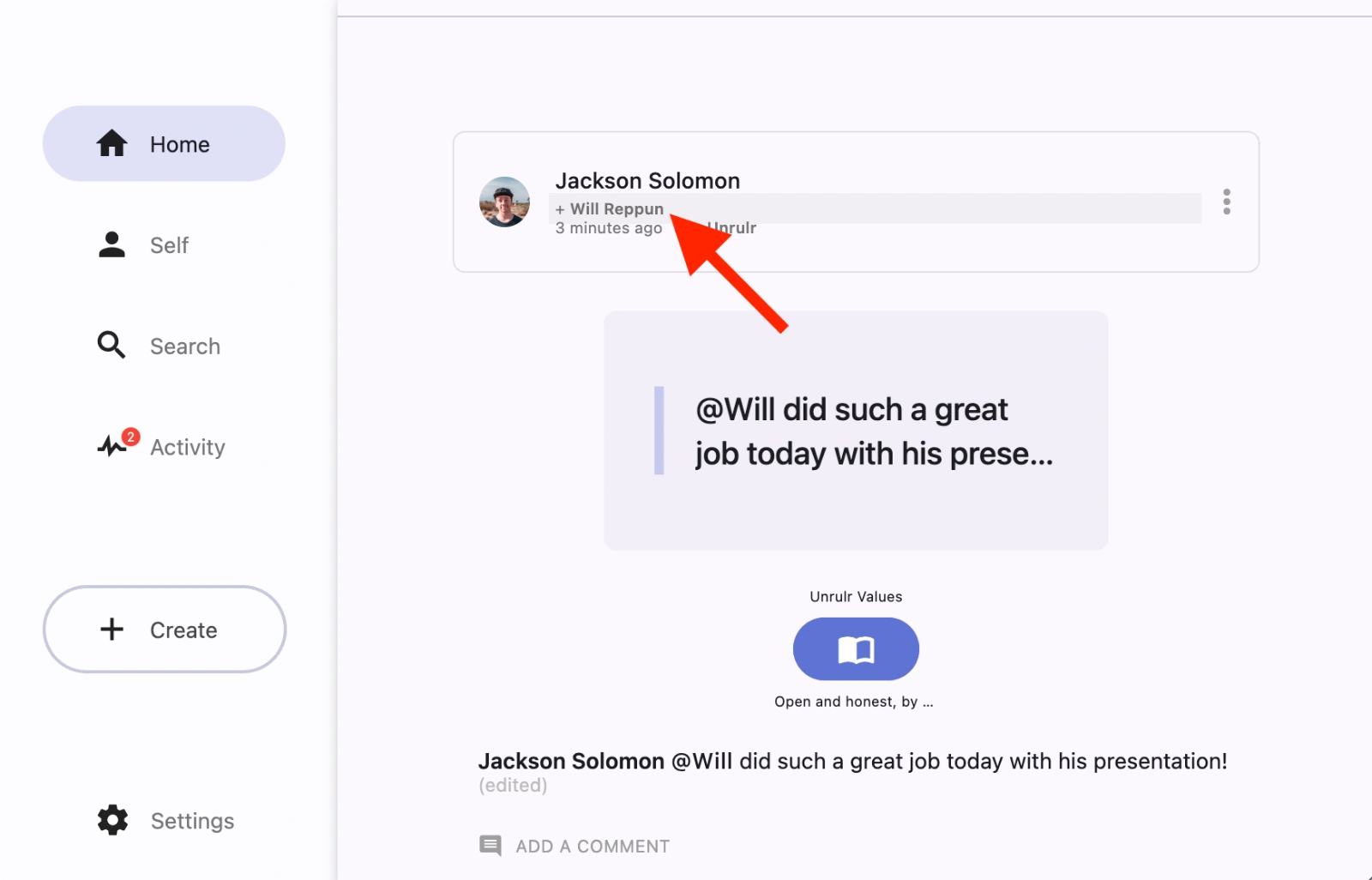
Find the post that you tagged the other learner in.
Click on the ‘+ [Student Name]’ in the post header.
Select 'I Observed' if you only observed the other student’s learning, and didn’t participate yourself.
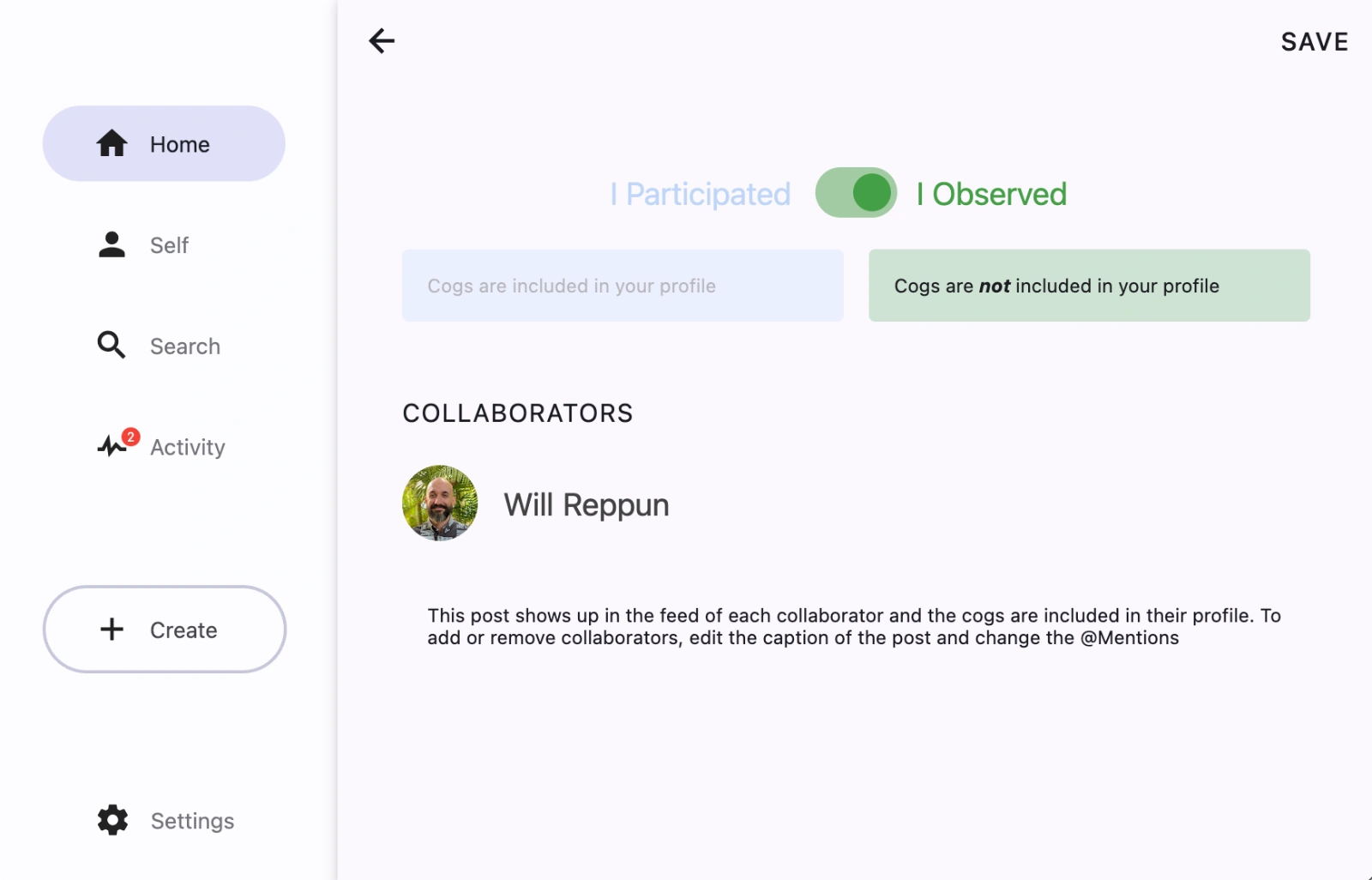
Hit Save to confirm your changes.