Any teacher can moderate a comment or post. When a post is moderated, it disappears from everyone's feed, except for the author of that post/comment.
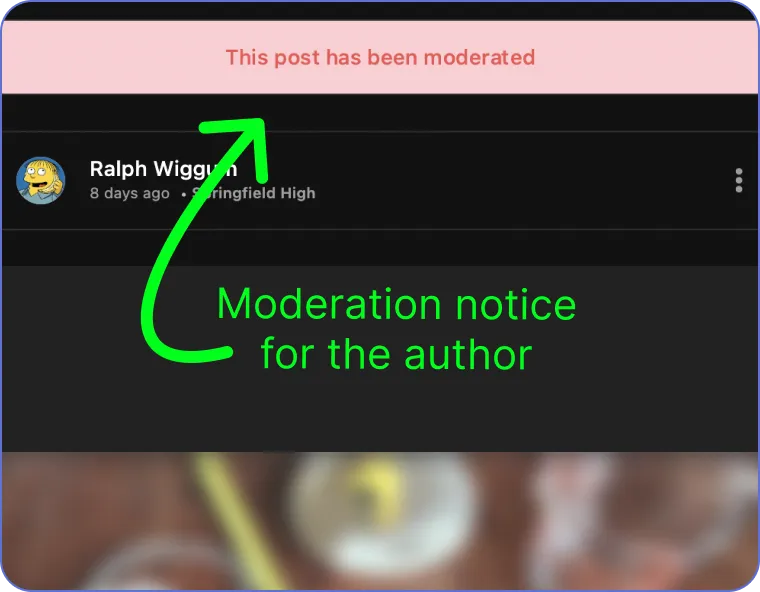
When an author views one of their own posts which has been moderated, they'll see a banner above the post which reads: This post has been moderated.
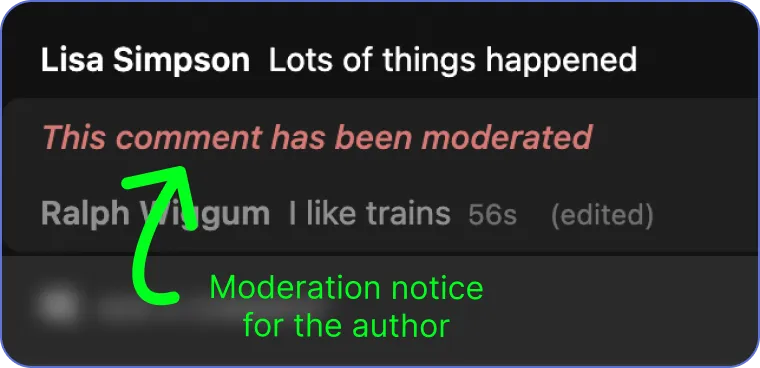
When an author views one of their own comments which has been moderated, the comment appears greyed out, with the message: This comment has been moderated.
How do I find posts or comments which I have moderated?
When you moderate a post or comment, it disappears from everyone's feeds, except the authors. So how do you find those moderated items?
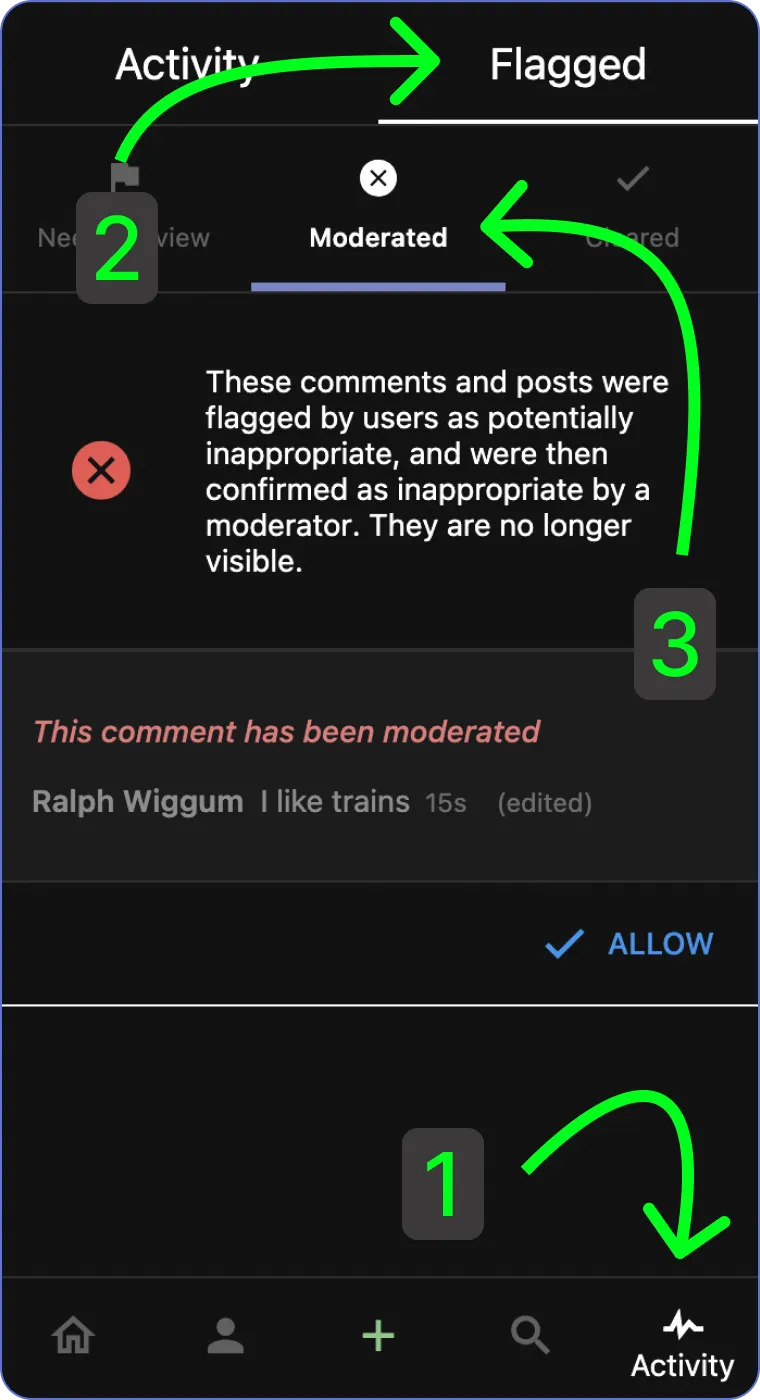
You can find moderated posts/comments through the flagged section of the activity tab.
Tap the Activity tab
Tap the Flagged tab in the header
Choose the moderated section